Use cases / Design & creative
Layers for designers.
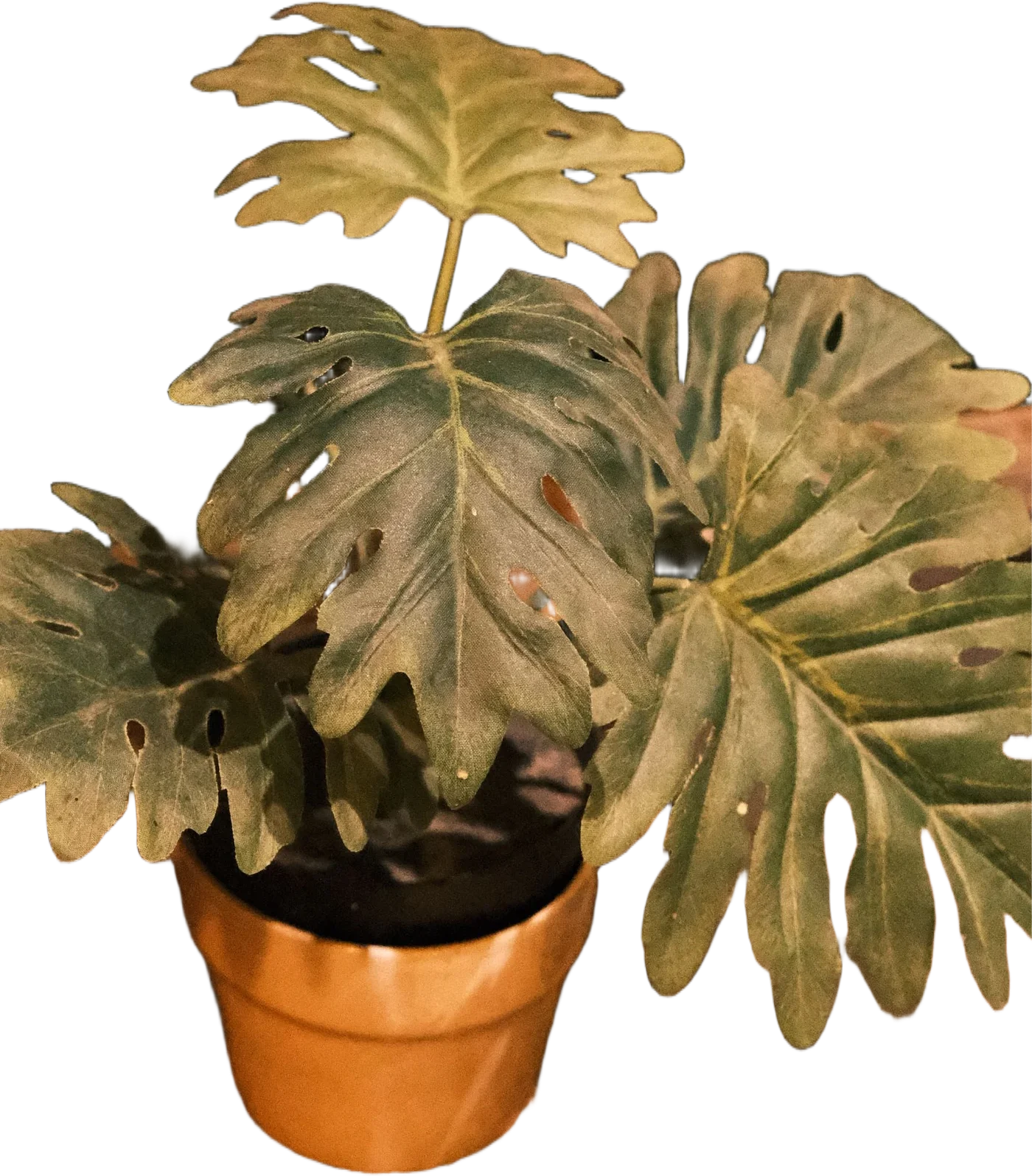
Fast cutouts for comps, thumbnails and social graphics, with text behind the subject.
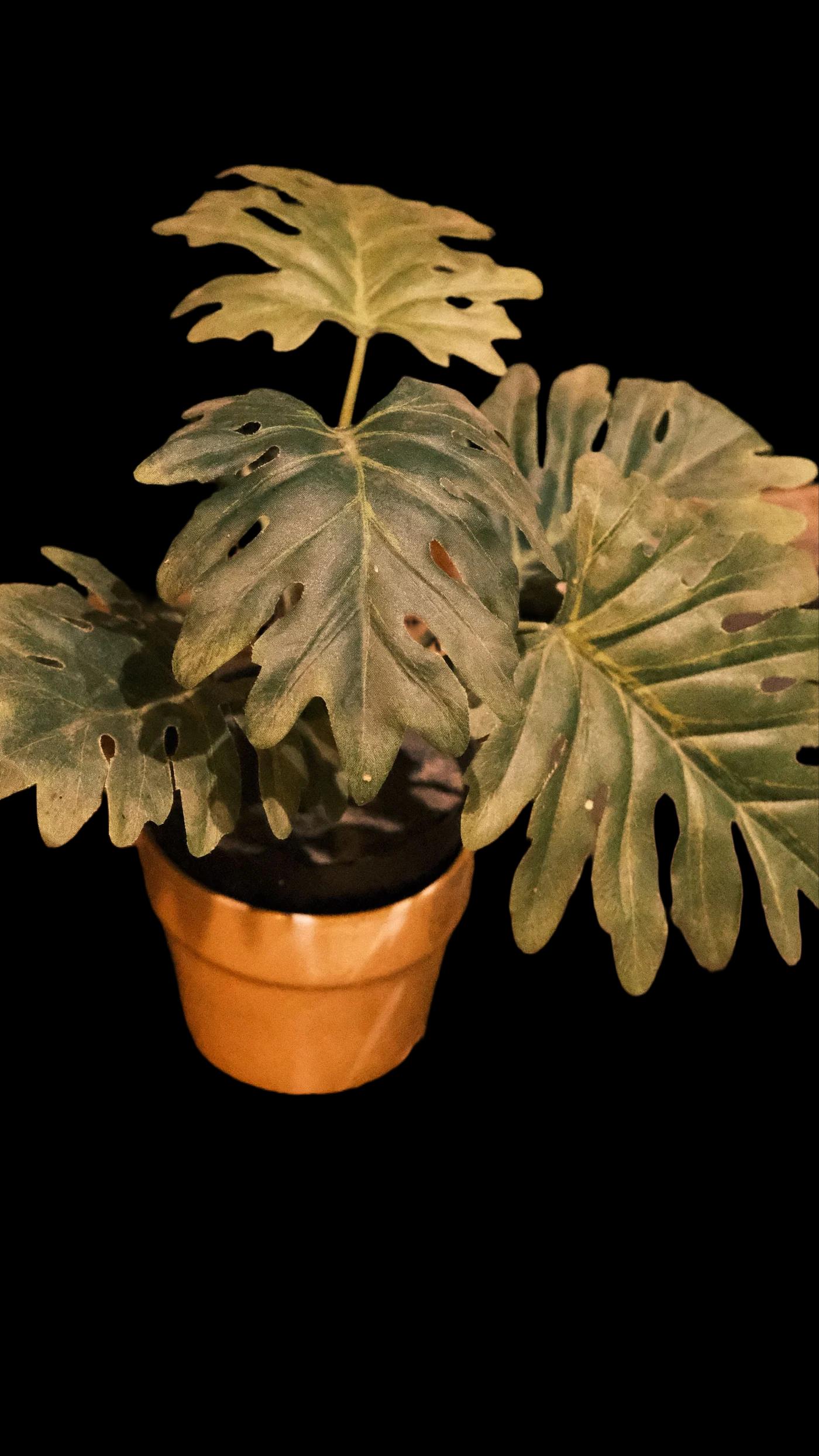

BeforeAfter
Why it works
- 01
Text behind subject
The magazine-cover effect, built in.
- 02
Figma & Photoshop
Plugins are on the roadmap; until then, copy-paste straight from the editor.
- 03
Shapes & layers
Add badges and shapes, toggle layers, export.
Good starting points: Thumbnail 1280×720, Text behind. Browse the tools
Asked about design & creative
Can I export layers separately?+
Export the cutout, the mask, or the full composite. Layered PSD export is planned.
Also good for